AI PRODUCT STUDIO
One product photo.
Five ready-to-use formats.
Create an AI product scene, edit your copy, and export a basic detail page, marketplace image, Instagram post, Story, and banner. Review product details before publishing.
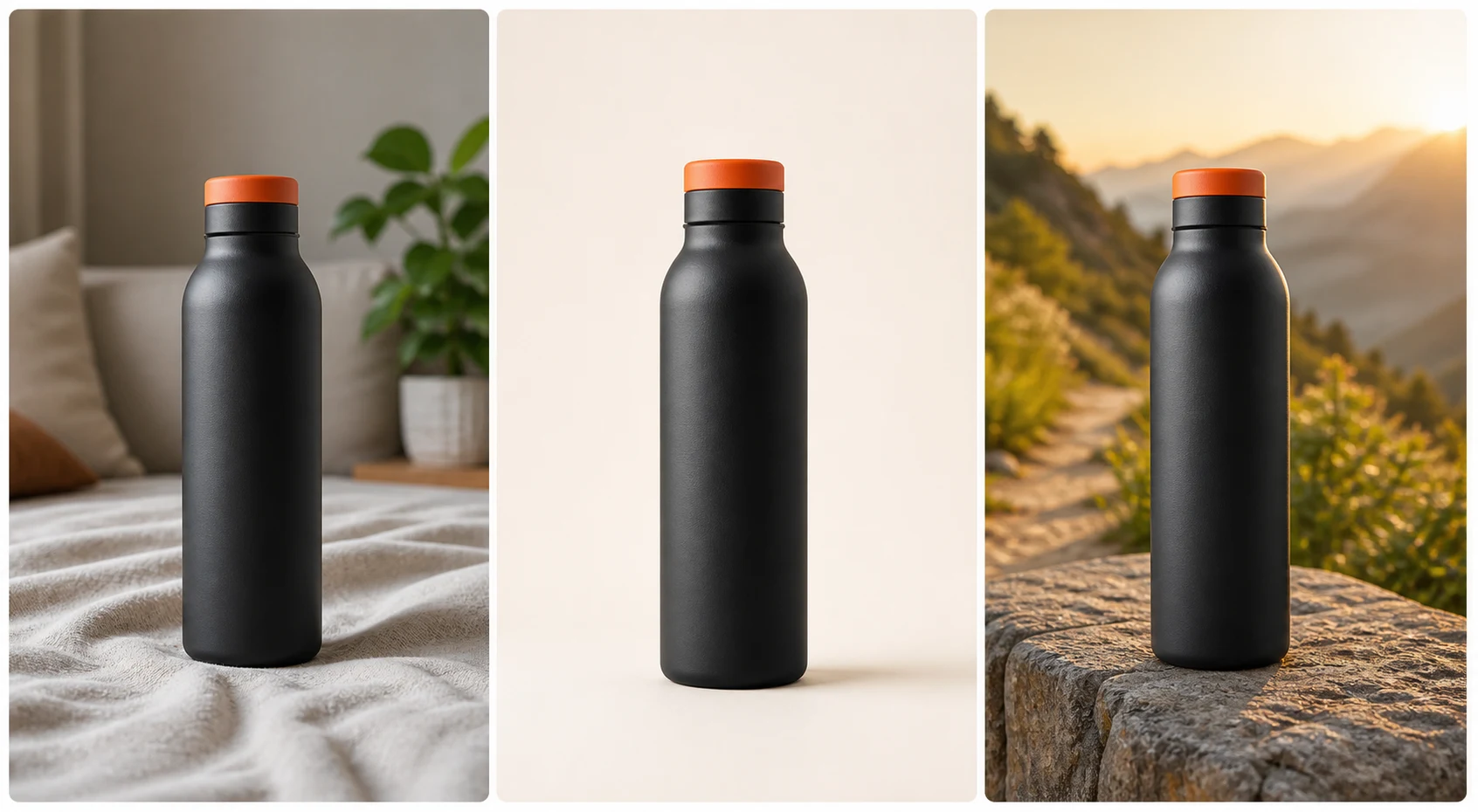
- No prompting
- Channel-ready sizes
- Product-first workflow
OPTIONAL BRANDING
Add my logo
3 brand-safe exports by default · 0 extra credits
Some marketplaces prohibit logos or watermarks on main white-background images. Check that marketplace’s policy before enabling this.
Your logo stays in this browser tab for your next product and is never sent to OpenAI or Shotmerce. Remove it or close the tab to clear it. Transparent PNG and WebP are supported. The AI base download stays unbranded.
or
Your custom photo stays in this browser preview.
CUSTOM AI SCENE
Describe the scene
Enhancement is local · 0 credits
One AI generation creates one AI base image plus four channel-format previews. Downloads use no credits.
Web layout preview only. Real AI generation is available in the released Shotmerce app.
6%
Reading product
Preparing a layout preview.
Credits are used only when the AI image is ready.
PREVIEW READY
Your channel set
SECONDARY DESIGN
Finish the campaign creative
3 designed channels + clean marketplace · 0 credits
Marketplace 1:1 always stays text-free and clean. Copy is applied only to Instagram, Story, and Ad banner.
Copy and layouts are rendered only in this browser. Updating never calls AI and never uses credits.
Illustrative web preview. Create real AI images and save finished results in the released Shotmerce app.
Continue in the Android appBuilt for the places your products sell
amazon
Shopify
etsy
coupang
Instagram
BUILT FOR SELLERS
ChatGPT makes an image.
Shotmerce finishes the listing.
Creative AI is powerful. Commerce needs a repeatable workflow around it.
GENERIC AI CHAT×
Prompt writingEvery time
OutputOne image
SizingManual resize
Brand setupRepeat instructions
SHOTMERCE WORKFLOW✓
Guided uploadNo prompts
OutputComplete set
SizingChannel presets
Brand setupReusable kit
SIX SCENE IDEAS
From product page
to paid campaign.
One consistent product, composed for every place your customers discover and buy.
01/061:1
02/061:1
03/064:5
04/063:2
05/069:16
THE
DAILY
RESET.
DAILY
RESET.
06/0616:9
EVERYDAY WELLNESSFind your
daily balance.SHOP NOW
daily balance.SHOP NOW
Illustrative web concept pack. The released app generates real outputs from each seller’s uploaded product photo.
THREE STEPS
Less prompting.
More publishing.
-
01
Drop one photo
A clear phone shot is enough to start your product set.
-
02
Choose a channel pack
Pick where you sell. Shotmerce maps the right formats.
-
03
Review and export
Check each image, refine the set, and download together.
THE SELLER WORKFLOW
Beyond the background swap.
Built to turn visual creation into a repeatable part of listing products.
Product Lock
Designed to keep shape, color, packaging, and label details in focus.
Channel Presets
Background, crop, safe area, and resolution in one selection.
Catalog Batch
Queue multiple SKUs and export a neatly organized catalog.
Reusable Logo
Add your logo to channel files in the browser, adjust it for free, and reuse it for the next product.
Listing Copilot
Create titles, bullets, descriptions, and tags alongside the images.
GOOD TO KNOW
Questions,
answered.
Ready to create? See the available app stores and start in the Shotmerce app.
Get the appHow is Shotmerce different from ChatGPT?+
Shotmerce combines product-photo generation, editable sales copy and five export formats in one workflow. Catalog batch processing is not currently available.
Will it change my label or product details?+
Shotmerce is being designed to minimize product changes, but generative AI can still alter fine details. That’s why every image will include a review step before export.
Do I need professional photography?+
No. A clear phone photo with reasonable lighting is a good place to start. Better source images will still produce more reliable results.
Which output formats are available?+
The app shows the exact output set for each product before generation or purchase. The web preview demonstrates square marketplace, 4:5 social, 9:16 story, and wide campaign layouts.
What happens to the photo I upload here?+
The public web preview keeps your photo in your browser and does not upload it. The released app explains transfer and retention controls before real generation.
Is this demo generating real AI images?+
The web preview demonstrates channel layouts in your browser. Real AI generation, purchases, and saved results are available in the released Shotmerce app.
When can I create an account?+
Account creation is available now in the Google Play release. Install Shotmerce on Android and continue with Google. The iOS App Store version is still in preparation.
NOW ON GOOGLE PLAY
See it here.
Create it in the app.
Install Shotmerce, choose the product that fits your store, and keep every finished image available in generation history.
iOS App Store version in preparation